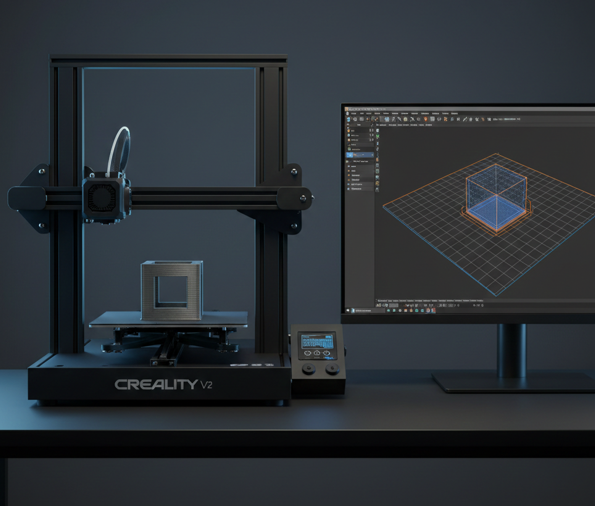
The Complete Guide to 3D Printer Nozzles: Types, Size; How to Select the Perfect One?
Have you ever wondered how to achieve the perfect 3D print every time? The secret lies in the nozzle, the unsung hero of your 3D printer. This small but crucial component controls everything from material extrusion to print speed, layer thickness, and even the final strength of your print. Whether you’re crafting a simple model…
Have you ever wondered how to achieve the perfect 3D print every time? The secret lies in the nozzle, the unsung hero of your 3D printer. This small but crucial component controls everything from material extrusion to print speed, layer thickness, and even the final strength of your print. Whether you’re crafting a simple model or a detailed prototype, the nozzle you choose plays a pivotal role in determining the outcome. In this guide, we’ll dive into the different nozzle sizes, materials, and their specific applications, helping you select the right one for flawless prints every time.
What Are Nozzles for 3D Printers?
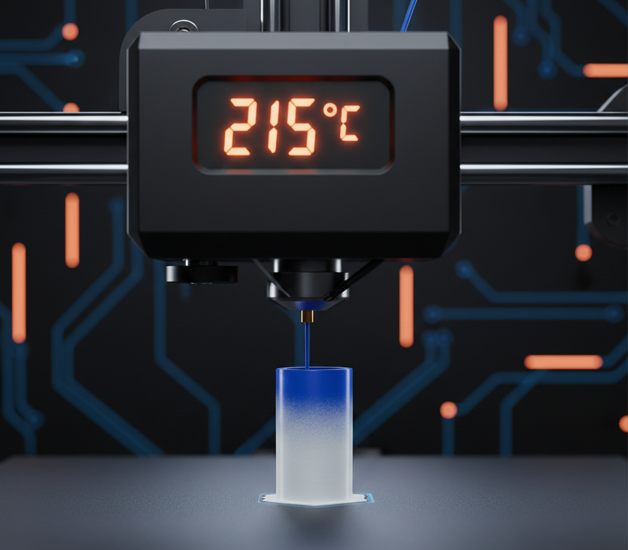
Nozzles in 3D printers are essential components that play a pivotal role in the extrusion process. They act as the final point of the extrusion system, where the filament is heated, melted, and deposited layer by layer to build the 3D-printed object. For commonly used PLA filament, nozzle temperatures typically range between 180°C and 220°C, depending on the filament brand, nozzle material, and print speed. Maintaining the correct temperature is crucial, as too low a setting can cause under-extrusion, while excessive heat may lead to stringing or loss of detail. Available in various sizes, shapes, and materials, nozzles significantly affect print speed, resolution, and material compatibility. The diameter of the nozzle, in particular, directly influences the level of detail and precision achievable in the print.
Types and Features of Different 3D Printer Nozzles
3D printer nozzles come in various types, materials, and sizes, each designed to meet specific printing needs and enhance print quality. Here’s a breakdown of some popular nozzle types:
Standard Brass Nozzles
Brass nozzles are among the most commonly used for general-purpose 3D printing. They are affordable, versatile, and provide excellent thermal conductivity, making them compatible with filaments like PLA, ABS, and PETG. Brass nozzles are perfect for beginners and those seeking reliable performance for standard prints.
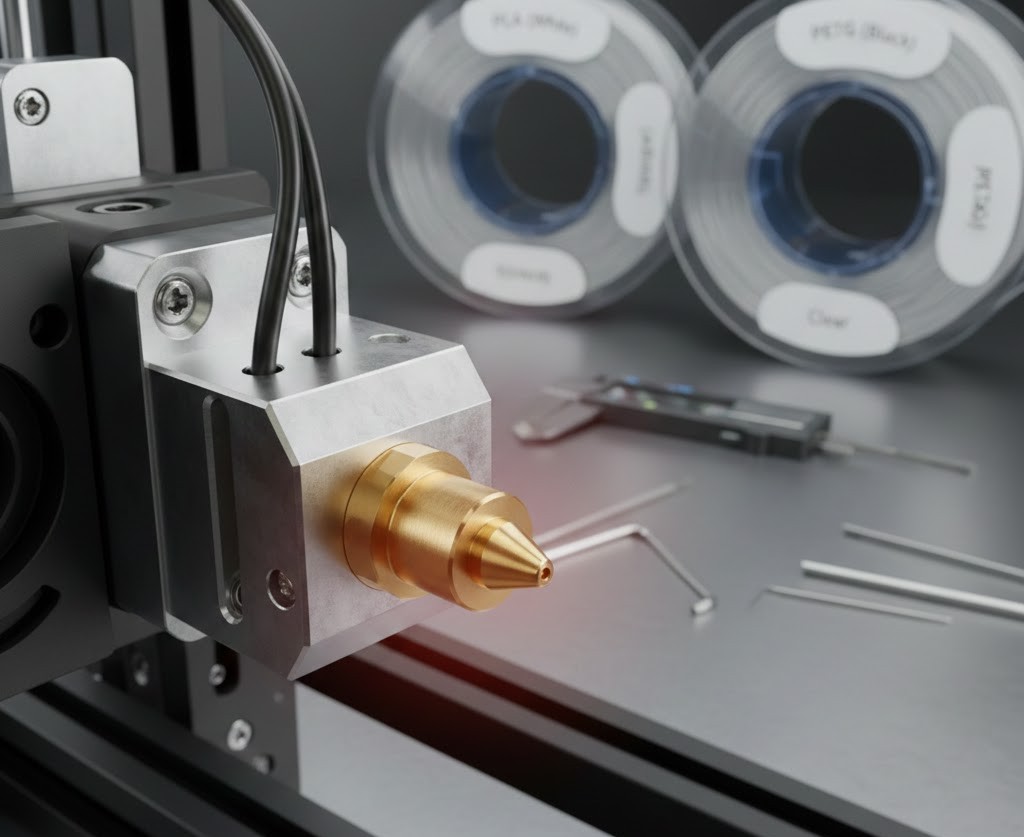
- Max temperature: 300°C
- Material: Brass (high thermal conductivity)
- Key features: Affordable, versatile, and ideal for common filaments
Hardened Steel Nozzles
Hardened steel nozzles are known for their durability and resistance to wear, making them suitable for abrasive filaments such as carbon fiber and metal-infused materials. While they have lower thermal conductivity than brass nozzles, they offer a longer lifespan and are preferred for heavy-duty use.
- Max temperature: 500°C
- Material: Hardened steel
- Key features: High wear resistance, long lifespan, ideal for abrasive filaments

Ruby Nozzles
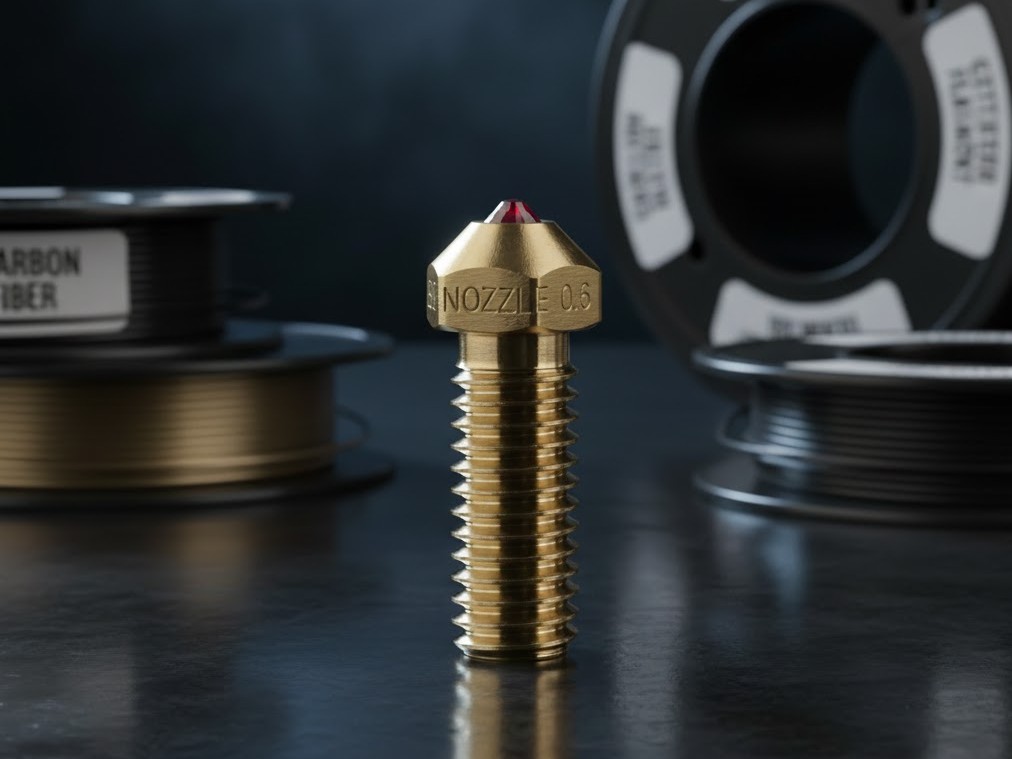
Ruby nozzles feature a small ruby insert at the tip, providing exceptional hardness and wear resistance. These nozzles are perfect for composite filaments like metal or wood-fill, offering smooth extrusion and long-lasting performance with reduced filament adherence.
- Max temperature: Varies (300°C–500°C)
- Material: Ruby tip
- Key features: Highly durable, precise printing, ideal for abrasive filaments
Sapphire Nozzles
Made from synthetic sapphire, these nozzles are known for their excellent durability and high thermal resistance. Sapphire nozzles are perfect for handling high-temperature and abrasive filaments over extended print sessions.
- Max temperature: 1500°C
- Material: Synthetic sapphire
- Key features: Extreme wear resistance, longer lifespan, suitable for abrasive filaments
Diamond Nozzles
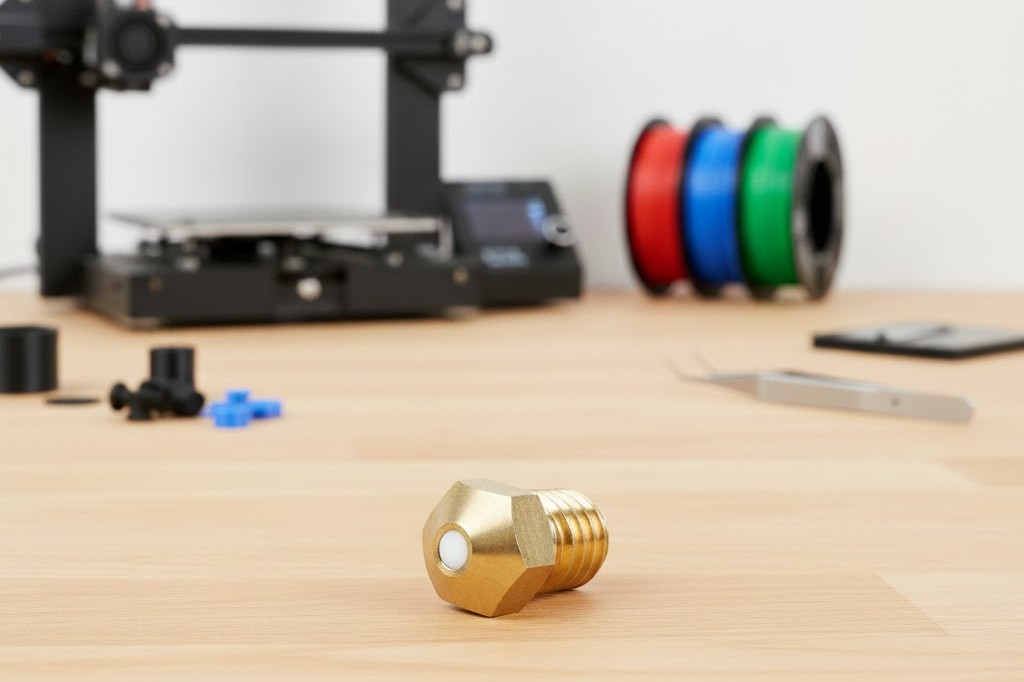
Diamond nozzles are the pinnacle of durability and thermal conductivity. With real diamond particles integrated into a metal matrix, they are ideal for high-precision printing and for use with abrasive filaments. These nozzles ensure long-term consistency and superior print quality.
- Max temperature: 300°C
- Material: Diamond particles in a metal matrix
- Key features: Exceptional wear resistance, high thermal conductivity, ideal for abrasive filaments
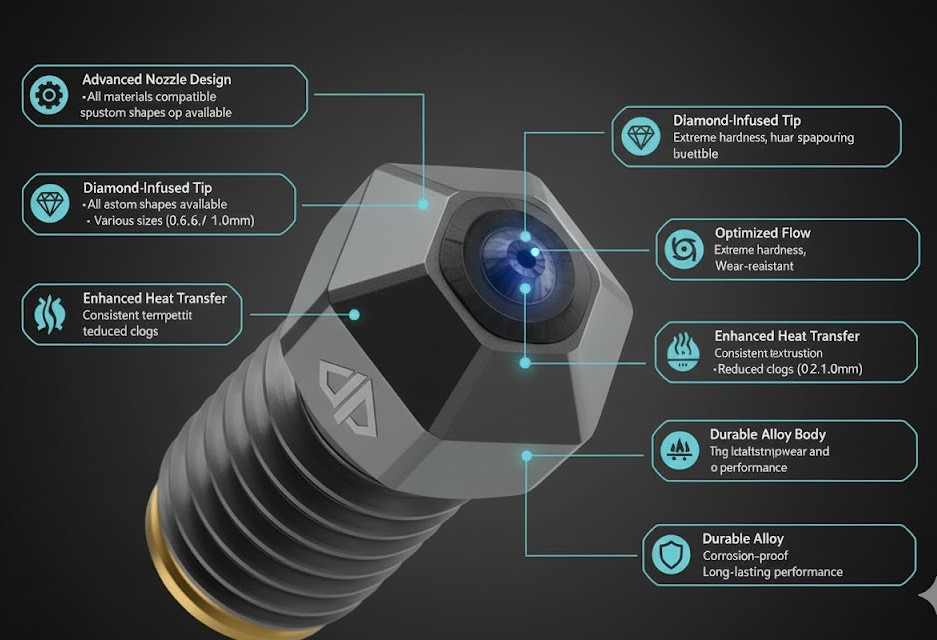
Each nozzle type is tailored to different filament needs, and choosing the right one depends on your specific printing goals, material requirements, and desired lifespan.
Understanding Different 3D Printer Nozzle Sizes
When choosing a 3D printer nozzle, the size and material play crucial roles in achieving the desired print quality, speed, and durability. Here’s a guide to the most common nozzle sizes and materials used in 3D printing:
0.2 mm Nozzle
The 0.2mm nozzle is ideal for printing highly detailed prototypes, such as jewelry, miniatures, and intricate models. It is capable of producing fine layers and sharp details but comes with the trade-off of longer print times and a higher risk of clogging.
- Best for: Miniatures, jewelry, fine-detail prints
- Key Trade-off: Longer print time, more prone to clogs
0.4 mm Nozzle
As the most common and versatile nozzle size, the 0.4mm is ideal for general-purpose printing. It offers a balance between print speed and detail, making it suitable for everything from decorative prints to simple models. The print speed also depends on the printer, with models like the Creality Hi Combo capable of printing at speeds of up to 600mm/s.
- Best for: General-purpose use, balanced speed and detail
- Key Trade-off: No major trade-offs, ideal for beginners
0.6 mm Nozzle
A slightly larger nozzle, the 0.6mm is perfect for faster printing of stronger parts. It can extrude more material quickly, making it suitable for functional prototypes or items that need to be strong, such as mechanical parts or parts printed in flexible filaments like TPU.
- Best for: Stronger parts, faster prints
- Key Trade-off: Reduced detail in fine features
0.8 mm Nozzle
This size is used for larger prototypes or items with thicker layers. It provides quick printing, making it suitable for larger objects or objects where fine detail isn’t as important, but strength is. A 0.8mm nozzle strikes a good balance between speed and print quality for large-scale prints.
- Best for: Prototypes, large and thick layers
- Key Trade-off: Less detail, faster prints
1.0 mm Nozzle
Ideal for producing large structural parts quickly, the 1.0mm nozzle is great for models that don’t require intricate details. It’s used for big prints where speed is the priority over precision.
- Best for: Extra-large prints, high-speed builds
- Key Trade-off: Low detail, best for large-scale prints
1.2 mm Nozzle
Typically used in industrial and expert applications, the 1.2mm nozzle is excellent for handling massive prints and high-speed builds. While it’s not suitable for intricate or small models, it’s designed to accommodate the demands of large-scale production.
- Best for: Industrial applications, rough drafts
- Key Trade-off: Limited for small or detailed models
| Nozzle Size | Best For |
| 0.2mm | Miniatures, Jewelry, Fine detail prints |
| 0.4mm | All-purpose use, balanced speed/detail |
| 0.6mm | Stronger parts, faster prints |
| 0.8mm | Prototypes, large and thick layers |
| 1.0mm | Extra-large prints, high-speed builds |
| 1.2mm | Industrial applications, rough drafts |
When to Replace Your 3D Printer Nozzle for Optimal Performance?
Replacing your 3D printer nozzle is essential for maintaining consistent print quality over time. Even the best nozzles can experience wear and tear, leading to print failures and reduced precision. Here’s when and why you should consider changing your nozzle.
Frequent Nozzle Blockages
If your nozzle is clogging frequently despite regular maintenance, it’s time to consider replacing it. Blockages may occur due to filament build-up or wear on the nozzle, leading to inconsistent extrusion.
Prints with Unstable or Insufficient Extrusion
Inconsistent extrusion can result in weak or uneven prints. If the extrusion starts to appear unstable or insufficient, the nozzle could be partially clogged or damaged.
Evident Damage or Bending on the Tip
Inspect your nozzle regularly for visible signs of damage. If the tip is bent or shows signs of wear, it’s no longer able to deliver consistent results and needs to be replaced.
Lower Print Quality, Specifically for Fine Details
If you notice that prints with intricate details, especially when using a 0.2mm nozzle, lose quality or become blurry, this could be a sign of nozzle wear, and a replacement might be necessary.
How to Change a 3D Printer Nozzle?
Changing the nozzle of your 3D printer is a straightforward process, but it requires careful attention to avoid damage to your printer. Here’s a step-by-step guide on how to safely replace the nozzle:
Turn Off and Heat the Printer
Before starting, ensure your printer is turned off. Then, heat up the printer’s extruder to the appropriate temperature for the filament you’re using. This makes the nozzle easier to remove as it softens any remaining filament inside.
- PLA filament: Heat to about 190-210°C
- ABS filament: Heat to about 230-250°C
- PETG filament: Heat to about 230°C
Remove the Filament
Once the extruder is heated, carefully pull the filament out of the printer. If the filament is stuck, you can use the “Unload Filament” function if your printer has it. Alternatively, gently pull it out by hand after the extruder is heated.
Loosen the Nozzle
To remove the nozzle, use the appropriate tool (usually a spanner or wrench) to grip the nozzle. Be careful not to damage the hotend when loosening it.
- Hold the hotend firmly with one hand to avoid twisting or damaging the hotend components.
- Loosen the nozzle with your other hand. It may take a few turns before it comes loose, but avoid excessive force.
Install the New Nozzle
Take the new nozzle and screw it into the hotend. Hand-tighten the nozzle until it’s snug, but avoid overtightening, as this can damage the threads of the hotend or nozzle.
- If you’re using a hardened steel or specialty nozzle, be extra careful when screwing it in to ensure it fits perfectly.
Tighten the Nozzle
Once the nozzle is hand-tightened, use a wrench or spanner to give it a final gentle tightening. Don’t over-tighten as it could strip the threads or damage the hotend.
Recalibrate the Bed
After replacing the nozzle, you’ll need to re-level the print bed to ensure proper print adhesion. Run the bed leveling procedure in your printer’s settings to ensure the new nozzle is at the correct height for your first layer.
Reload the Filament
Now that the nozzle is replaced and the bed is calibrated, reload the filament back into the printer and run a test print to ensure everything is working smoothly.
Pro Tips:
- Use the right tools: Always use the correct tools, such as a nozzle wrench, to avoid damaging the nozzle or the hotend.
- Check for leaks: After changing the nozzle, watch for any filament leaks or extrusion issues. If you notice any, tighten the nozzle slightly or check the hotend for blockages.
By following these steps, you can easily change your 3D printer nozzle and ensure that your printer continues to produce high-quality prints.
Brass, Steel, or Specialty Nozzles: Which Material Suits Your Needs?
Different filaments demand specific nozzle materials for optimal performance. Choosing the wrong one can result in wear, poor adhesion, and nozzle failure. Here’s a breakdown of nozzle materials and their best-fit applications.
| Nozzle Material | Pros | Cons | Best For |
| Brass | Excellent thermal conductivity, affordable, widely available | Wears quickly with abrasive filaments (carbon fiber, glow-in-the-dark) | Everyday PLA, ABS, PETG prints |
| Hardened Steel | Higher wear resistance, handles abrasives well | Lower thermal conductivity, requires higher temps | Carbon fiber, wood-filled, glow PLA, functional parts |
| Stainless Steel | Corrosion-resistant, food-safe | Moderate wear resistance, less thermal efficiency | Medical/food-contact prints, general functional parts |
| Ruby / Tungsten Carbide | Extreme durability, excellent for abrasive filaments | High cost, unnecessary for casual use | Long-term abrasive printing, industrial-grade production |
Essential Tips for 3D Printer Nozzle Maintenance
Proper nozzle maintenance ensures your 3D printer runs smoothly and produces high-quality prints. Here are some essential tips to help preserve your nozzle and extend its lifespan:
- Clean Regularly with Cleaning Filament: Warm the nozzle and feed cleaning filament through it to remove any debris. This helps clear any built-up material, especially between material swaps or after heavy use.
- Use a Brass Brush for Surface Cleaning: After heating the nozzle, gently scrub it with a brass brush to remove any filament residue or charred material on the nozzle’s surface.
- Prevent Clogs by Storing Filament Properly: Ensure your filament is stored in a dry environment to prevent humidity absorption. Humidity can cause filament to swell or clog the nozzle, leading to poor prints.
- Avoid Printing at Incorrect Temperatures: Always print at the recommended temperatures for your filament. Printing at too high or too low a temperature can cause clogs or inconsistent extrusion.
- Prevent Filament from Burning Inside the Nozzle: Avoid leaving filament in the nozzle for prolonged periods without printing. Excessive heat without extrusion can cause filament to burn inside the nozzle, leading to blockages.
- Use Isopropyl Alcohol for Stubborn Clogs: If you notice signs of a clogged nozzle, try soaking it in isopropyl alcohol to loosen the blockage. Use a needle or specialized cleaning tool to remove any remaining debris.
By following these tips, you can ensure your nozzle remains in good condition, preventing issues and extending its life for consistent, high-quality prints.
Final Words
Replacing your 3D printer nozzle is an essential maintenance task that ensures consistent print quality and extends the life of your printer. By selecting the right nozzle size and material, properly installing it, and maintaining regular cleaning, you can avoid common issues like clogs and poor extrusion, keeping your 3D printing projects running smoothly.

I share practical insights on the latest 3D-printing software and hardware, helping makers navigate tools and technologies with confidence. My goal is to make digital fabrication simple and accessible for everyone.