Find The Best PLA Print Temperature For Perfect 3D Prints
Polylactic Acid (PLA) is one of the most commonly used 3D printing materials due to its eco-friendliness, ease of use, and relatively low cost. However, achieving high-quality prints with PLA requires precise temperature settings, as the filament’s behavior during printing is heavily influenced by both the nozzle and bed temperatures. Whether you’re a beginner or…
Polylactic Acid (PLA) is one of the most commonly used 3D printing materials due to its eco-friendliness, ease of use, and relatively low cost. However, achieving high-quality prints with PLA requires precise temperature settings, as the filament’s behavior during printing is heavily influenced by both the nozzle and bed temperatures. Whether you’re a beginner or a seasoned 3D printing enthusiast, understanding and optimizing your PLA print temperature is key to getting clean, professional-grade results.
Key Temperature Settings for PLA Printing
To achieve the best 3D prints from creality, you must carefully adjust the settings of your 3D printer, specifically the nozzle temperature and the bed temperature.
Nozzle Temperature
The ideal nozzle temperature for PLA typically falls between 190°C and 220°C. This range ensures that the PLA filament melts smoothly without issues like stringing, blobs, or under-extrusion.
- Lower Temperatures (190°C–200°C): These settings help reduce stringing and improve the surface finish, making them perfect for intricate designs or delicate prints.
- Higher Temperatures (210°C–220°C): These are ideal for enhancing layer adhesion and strength, but they may lead to oozing or stringing if set too high.
It’s essential to experiment with small increments of 5–10°C to identify the optimal setting for your specific PLA brand and color. For example, while black PLA might work best at 215°C, blue PLA may require a slightly lower temperature, like 210°C.
Heated Bed Temperature
For PLA, the recommended heated bed temperature ranges from 50°C to 70°C. This helps the first layer of your print stick properly to the bed, minimizing the chances of warping.
- Lower Bed Temperatures (50°C–60°C): These are generally sufficient for most PLA prints, offering good adhesion and preventing the first layer from warping.
- Higher Bed Temperatures (65°C–70°C): These settings may be required for larger prints or prints with heavier bases, as they help maintain adhesion across the entire print.
If you’re working with a non-heated bed, you can use adhesives like glue sticks or painter’s tape to achieve adhesion, but a heated bed is generally recommended for optimal results.
Why Temperature Matters in PLA 3D Printing?
The temperature of both the nozzle and the bed plays a crucial role in the success of your print. Too high or too low a temperature can result in several issues, from poor bed adhesion to warping and stringing. Here’s a breakdown of why temperature is so critical:
- Layer Adhesion: Proper temperature ensures that each layer bonds correctly to the previous one, creating a solid and strong print.
- Print Quality: If the temperature isn’t optimized, your print may suffer from poor surface finish, weak layers, or visible defects like stringing and blobs.
- Print Bed Adhesion: A heated bed helps prevent warping and ensures that your print stays in place while the layers are being built up.
By dialing in the right temperatures, you can achieve a smooth surface, strong structural integrity, and better overall print results.
Common Temperature-Related Issues in PLA Printing
When it comes to 3D printing with PLA, getting your temperature settings just right is crucial. If the temperatures are not properly calibrated, several common issues can arise, leading to poor print quality or even print failure. Here’s a closer look at these temperature-related problems and how they occur:
Under-Extrusion
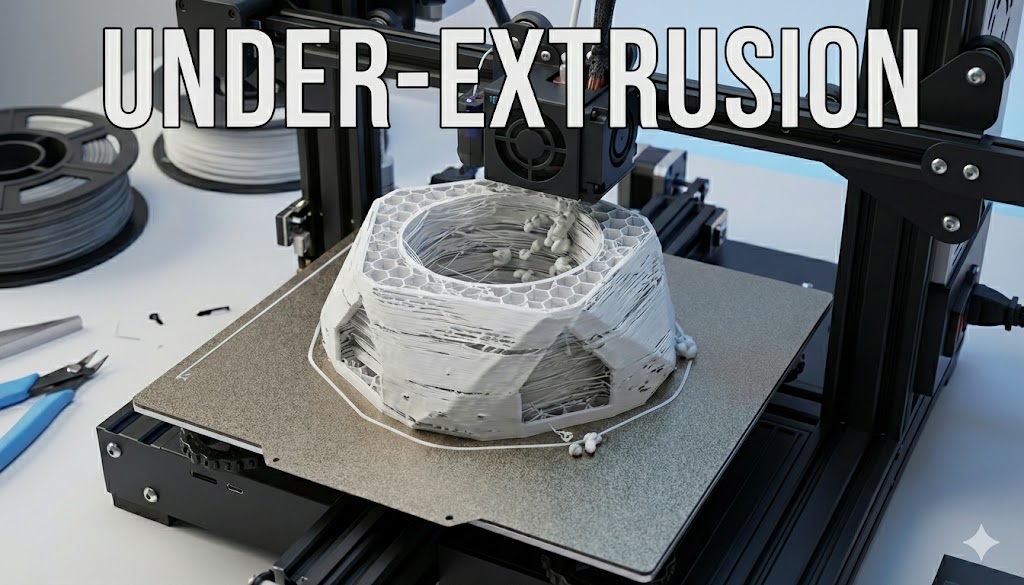
Under-extrusion happens when the nozzle temperature is set too low, preventing the PLA from melting and flowing smoothly. As a result, the filament doesn’t extrude consistently, leading to weak prints with gaps, incomplete layers, or visible lines between the printed layers. This can cause structural weakness in the final object, making it more prone to breaking. To avoid under-extrusion, ensure the nozzle temperature is within the recommended range of 190°C–220°C and experiment in small increments to find the ideal setting for your PLA filament.
Over-Extrusion
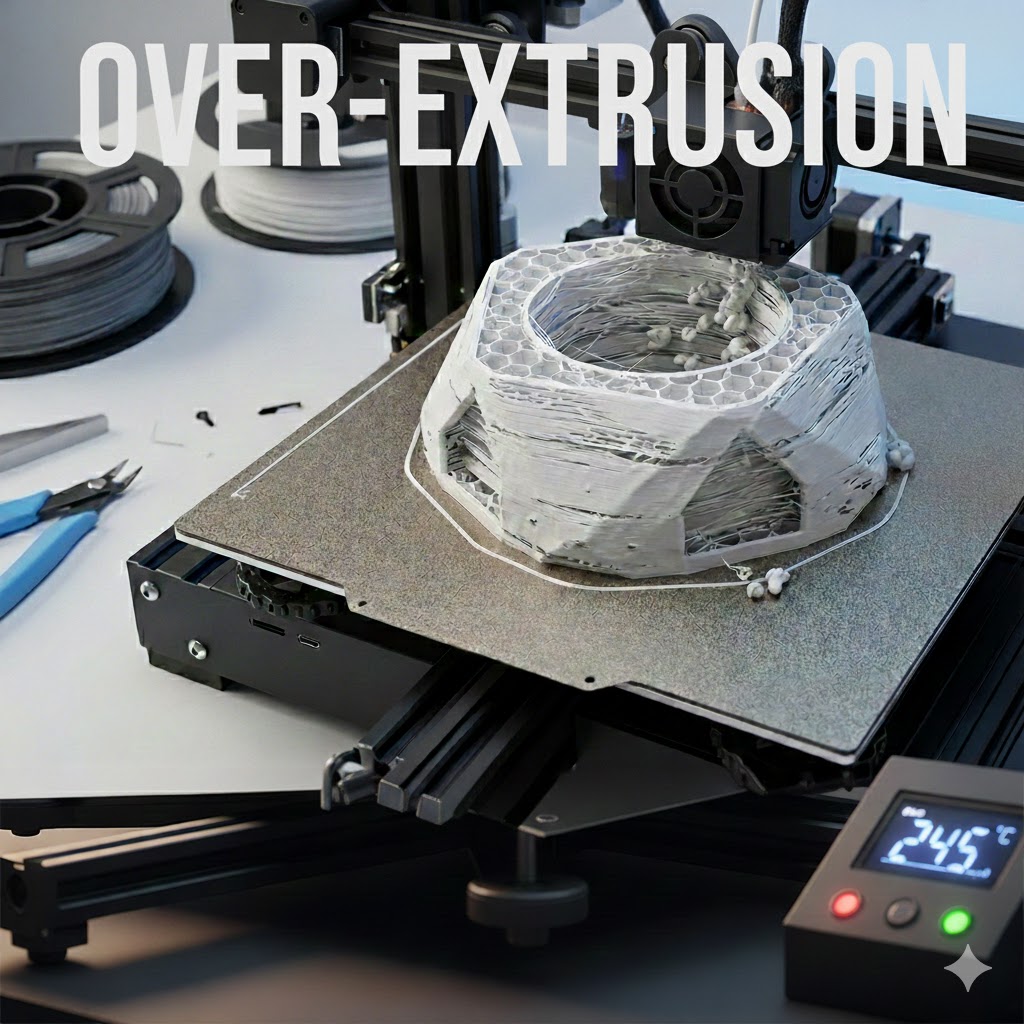
When the nozzle temperature is set too high, PLA becomes too fluid and begins to ooze excessively from the nozzle, leading to over-extrusion. This causes issues like stringing, blobs, and uneven extrusion. Over-extrusion can make the print appear messy, with excess plastic left behind as the nozzle moves. While higher temperatures can improve layer adhesion and print strength, excessive heat can lead to poor surface quality. It’s important to balance the temperature by adjusting it slightly lower, typically 200°C–210°C, if you’re noticing these issues.
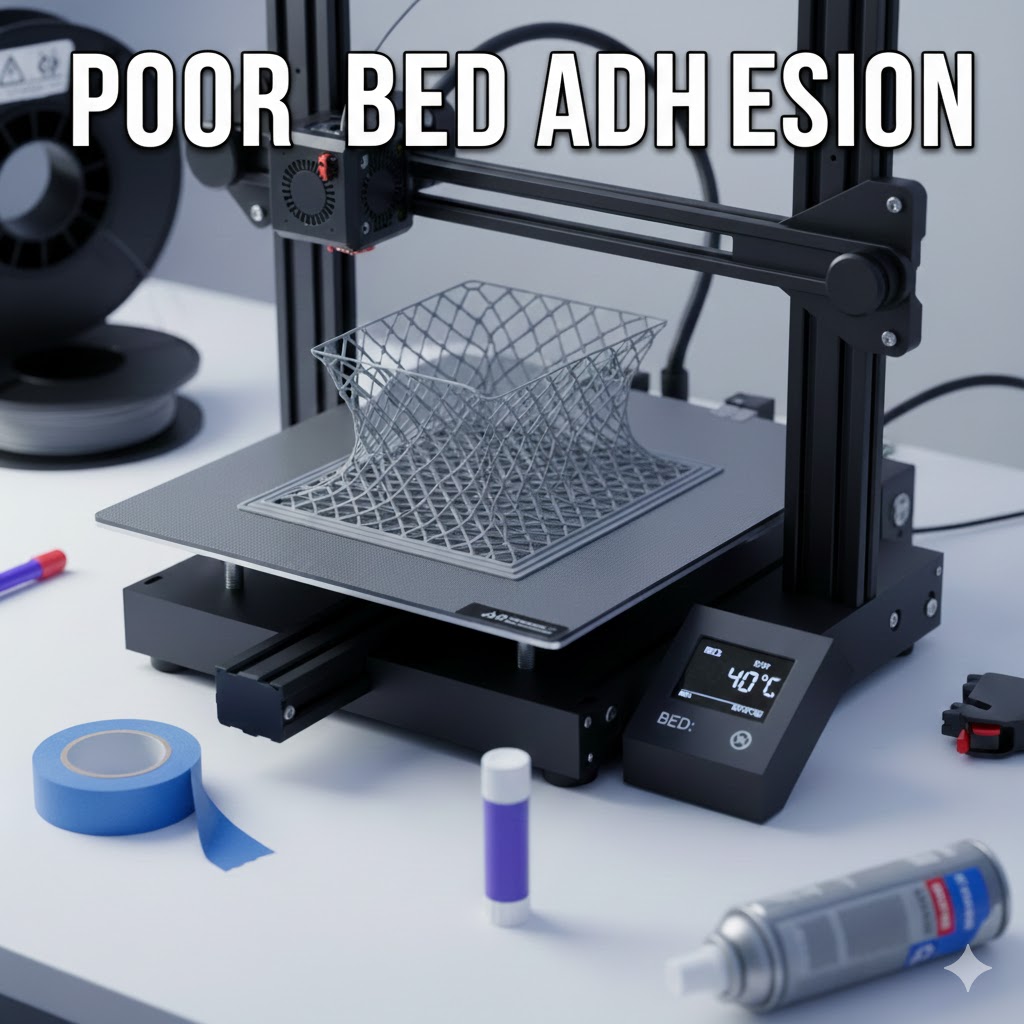
Poor Bed Adhesion
Proper bed adhesion is vital for successful 3D printing, especially for larger and more intricate prints. If the bed temperature is too low, the first layer of your print may fail to stick to the surface, leading to shifting or warping. This is particularly common when printing with PLA, as the material’s adhesion properties are sensitive to temperature. Typically, the bed temperature should be set between 50°C and 60°C. If you experience poor adhesion, increase the bed temperature or use adhesion aids like painter’s tape, glue sticks, or hairspray to ensure the print stays securely attached to the build plate.
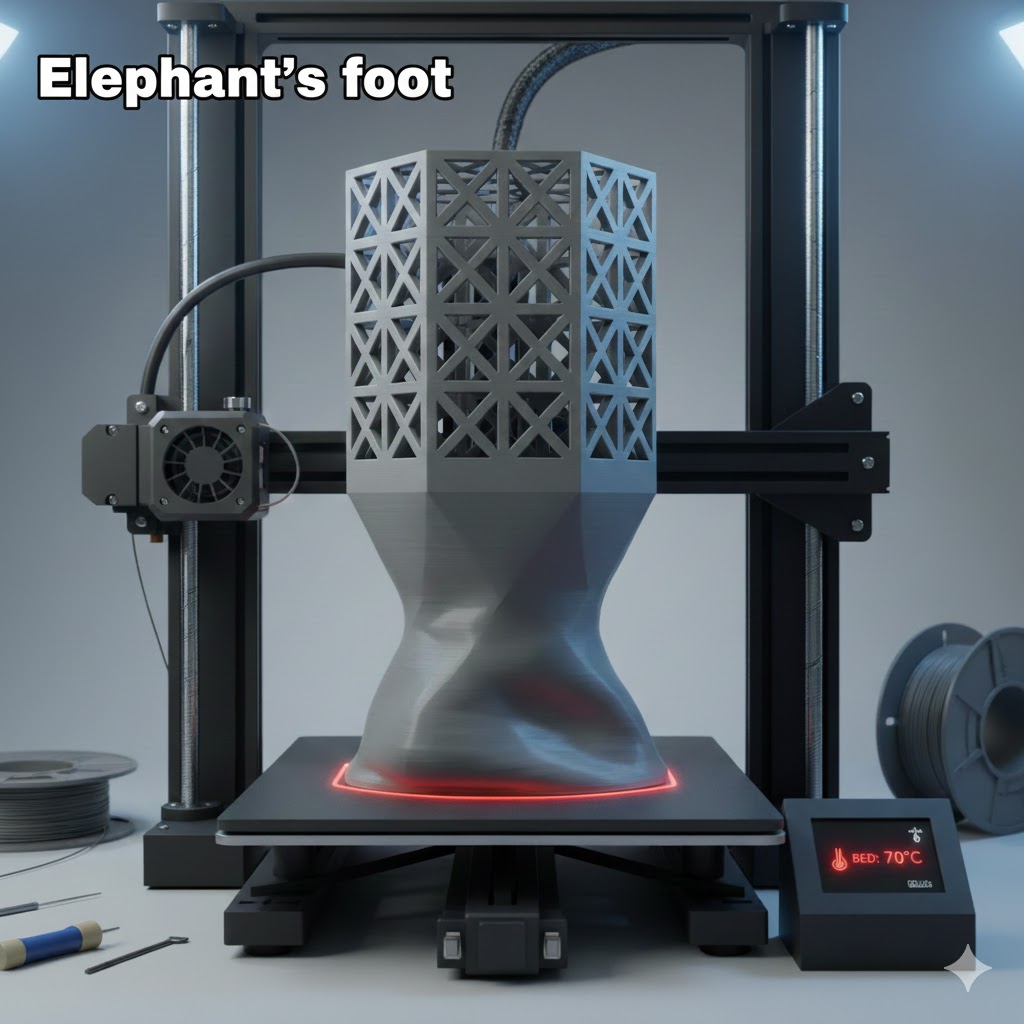
Elephant’s Foot
Elephant’s foot occurs when the first few layers of the print are excessively heated, causing the base layer to expand outward and distort the print. This issue is most noticeable on the bottom of larger prints, where the weight of the object causes the layers to flatten out. It results in a wider base than intended, often with a visible “foot” around the print’s lower edges. This can happen if the bed temperature is set too high, making the lower layers too soft and malleable. To prevent this, lower the bed temperature to 50°C–55°C to prevent excessive softening of the first layer.
Practical Tips for Calibrating PLA Print Temperature
To get the best results with PLA, fine-tuning is essential. Here are some tips:
- Use a Temperature Tower: A temperature tower is a model designed to test a range of temperatures. Printing this tower will help you visually assess how different temperatures affect layer bonding, surface quality, and overall print strength.
- Experiment in Small Increments: Each PLA filament brand and color may react differently to heat. Test with small increments (5°C–10°C) to find the perfect balance.
- Monitor Your Print: Pay attention to the first few layers of the print. If the layers aren’t sticking, increase the bed temperature. If the print is overly soft or messy, reduce the nozzle temperature.
Cooling and Fan Settings
Proper cooling is also crucial for successful PLA prints:
- First Layer Cooling: For the first 1-2 layers, disable the cooling fan to ensure the filament adheres well to the bed. This will help the first layer solidify before additional layers are added.
- Remaining Layers: Once the base layers are complete, set the cooling fan to 100% to solidify the layers quickly and prevent issues like sagging or warping. Most slicer software, like Cura, offers settings to control fan speed based on the layer number.
Adjusting for Environmental and Print Size Factors
- External Conditions: PLA is relatively forgiving but can still be affected by drafts or significant temperature shifts. Use an enclosure or print in a controlled environment to reduce the risk of issues caused by external factors.
- Print Size Considerations: Larger prints may need slightly higher bed temperatures (65–70°C) to avoid warping. Smaller prints, on the other hand, typically do fine with lower bed temperatures (50–60°C).
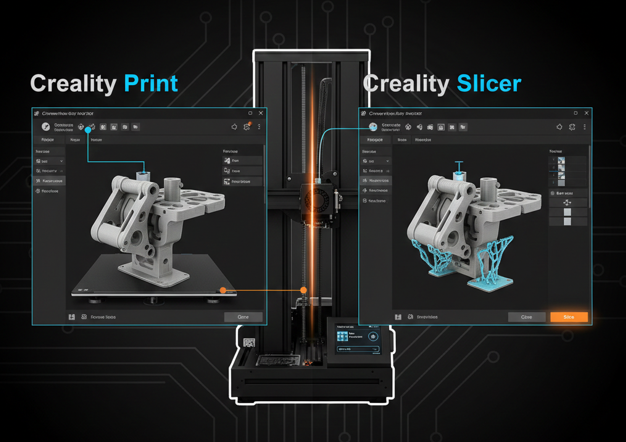
Setting Temperatures in Popular Slicer Software
Most 3D slicers allow you to adjust both the nozzle and bed temperatures:
- Bambu Studio: Go to the “Print Settings” tab and set both nozzle and bed temperatures in the “Temperature” section.
- Cura: Open the “Material” tab and adjust both the “Printing Temperature” and “Build Plate Temperature” before slicing the model.
- PrusaSlicer: In “Filament Settings,” set the nozzle and bed temperature under the “Print Settings” section.
Conclusion
Perfecting your PLA print temperature settings is crucial for high-quality 3D printing. By understanding the ideal nozzle and bed temperatures, as well as how to calibrate your printer settings, you can achieve cleaner, stronger, and more detailed prints. While PLA is forgiving, experimenting with temperature towers and making small adjustments to your settings can dramatically improve your results. With patience and practice, you’ll be able to optimize your PLA prints and avoid common printing issues like stringing, warping, and poor adhesion.
FAQs
Why is my PLA stringing even at low temperatures?
Stringing occurs when the nozzle drips plastic as it moves between parts. This issue can be caused by incorrect retraction settings or moist filament. Ensure your filament is dry and adjust the retraction settings in your slicer.
What if my PLA won’t stick to the bed?
If your print isn’t adhering, try increasing the bed temperature to 60°C and ensure your bed is clean. You can also use adhesives like glue sticks, hairspray, or painter’s tape to help with adhesion.
What’s the best way to prevent warping with the PLA?
To minimize warping, make sure the bed is heated to around 60°C. Additionally, ensure that the print is set up in a draft-free environment, or consider using an enclosure.
How do I fix an elephant’s foot in PLA prints?
If you’re seeing an elephant’s foot (flattened, distorted bottom layers), reduce the bed temperature to avoid excessive softening of the base layer. You can also try adjusting the first layer height in your slicer settings.
Is PLA safe to print with?
Yes, PLA is one of the safest 3D printing filaments available. It has a low melting point and doesn’t emit harmful fumes, making it a great option for indoor printing.

I share practical insights on the latest 3D-printing software and hardware, helping makers navigate tools and technologies with confidence. My goal is to make digital fabrication simple and accessible for everyone.